


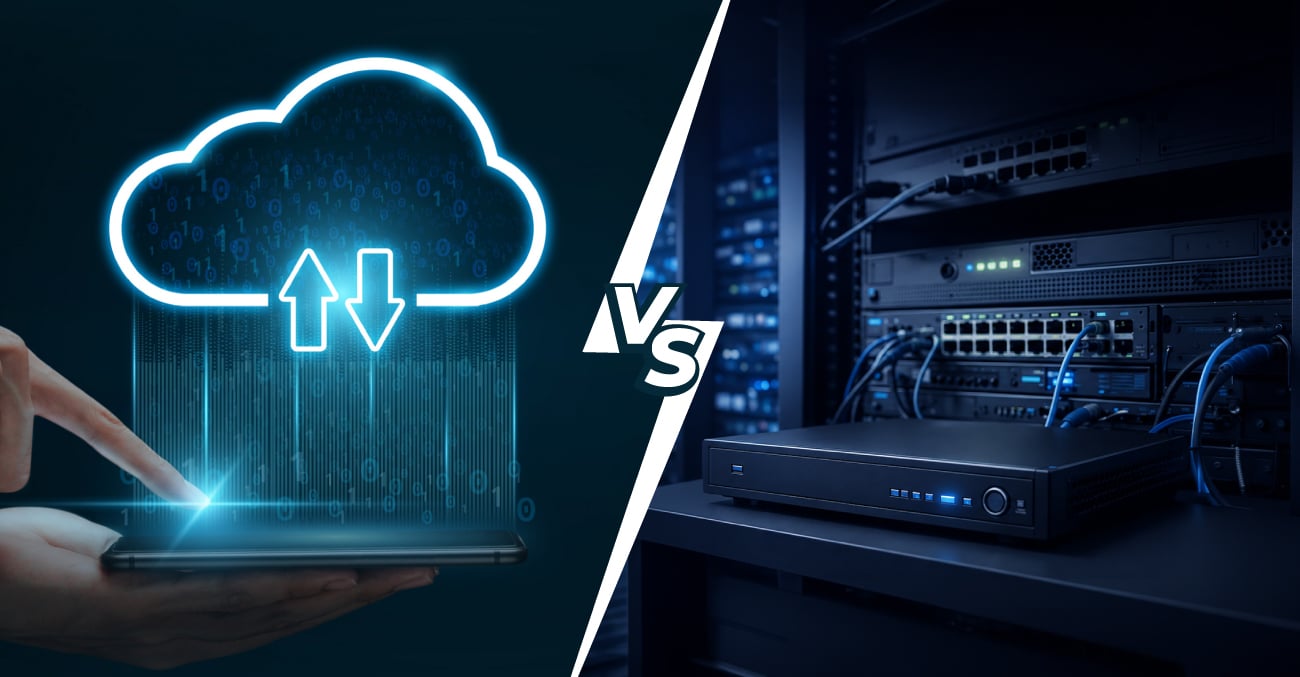
Cloud CCTV Storage vs. Local NVR: What is the Most Secure Option for Your Retail Shop?
A retail shop's security system is no longer just about keeping a camera pointed at the front door. With shoplifting incidents on the rise and the consequences of poor surveillance — lost stock, disputed incidents, inadequate insurance evidence — the decision about how and where your security footage is stored has become a genuine business-critical choice.
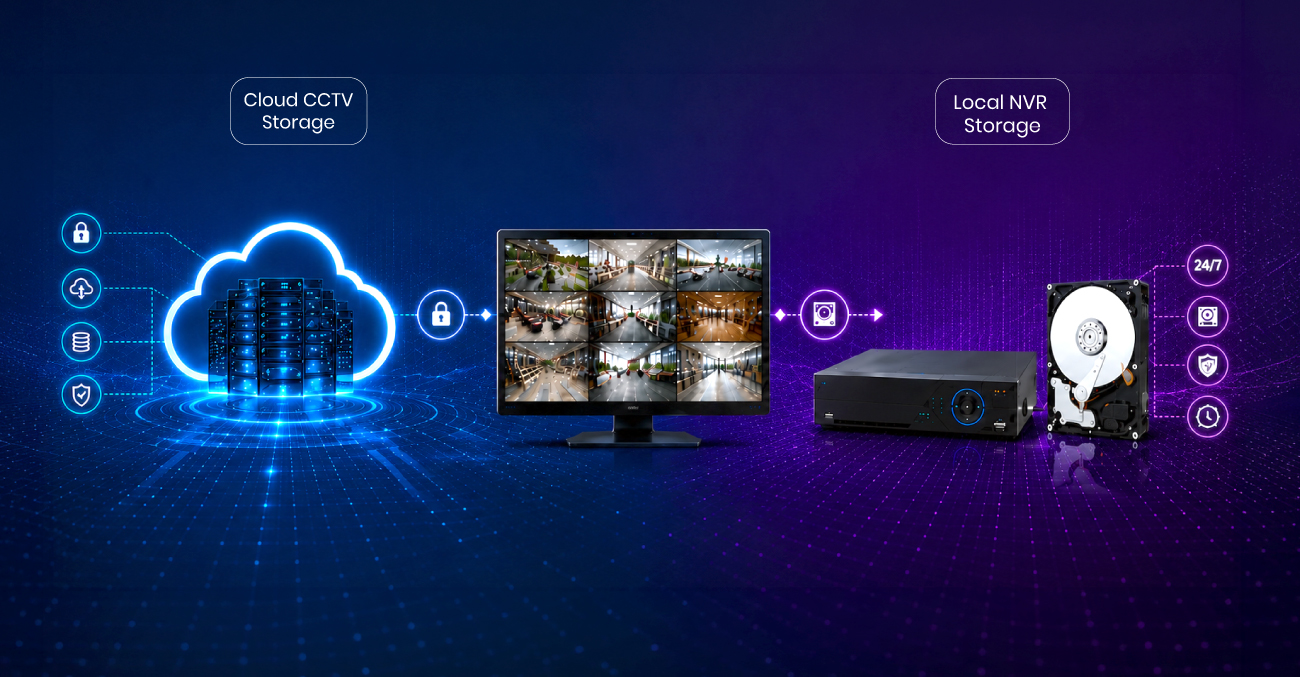
Two architectures dominate the market today: cloud CCTV storage, where footage is transmitted to off-site servers via your internet connection, and local storage via a Network Video Recorder (NVR) or DVR, where footage is retained on physical hardware at your premises. Both have genuine merits. Both carry specific risks. Understanding the difference between them is essential before you invest in a system that your business will depend on for years.
This guide covers both options with clarity — security, accessibility, reliability, and cost — so you can make a confident, informed decision.
Understanding Cloud CCTV Storage and NVR vs Cloud Architectures
Before comparing the two approaches, it helps to understand exactly what each one involves.
| Security Vector | Cloud CCTV Storage | Local NVR Storage |
|---|---|---|
| Physical Theft Risk | Zero (Stored off-site in secure data centers) | High (The physical recorder can be stolen or broken) |
| Internet Dependency | High (Requires constant stable upstream bandwidth) | None (Records locally even during complete network blackouts) |
| Storage Scalability | Instant (Upgraded via software subscription tiers) | Hardware-bound (Requires physical hard drive replacements) |
| Remote Access Setup | Native (Plug-and-play mobile and desktop apps) | Complex (Requires port forwarding, static IPs, or VPNs) |
Cloud CCTV Storage
In a cloud-based system, IP camera systems capture footage and transmit it in real time or near real time over your internet connection to servers managed by the CCTV provider. The footage is stored remotely and accessible from any device with an internet connection and the appropriate credentials.
The hardware at your shop is relatively minimal: cameras, a network switch, and a router. There is no bulky recording unit on the premises. The intelligence — storage, management, and access control — lives in the cloud.
Local NVR Storage
In a local storage model, IP camera systems send footage to a Network Video Recorder (NVR) installed on your premises. The NVR processes and stores footage on internal hard drives, typically with the option to add further storage capacity as needed. Footage remains entirely within your building and does not rely on an active internet connection to record.
In the NVR vs cloud comparison, this architecture gives the business owner direct physical control over their data. Still, it means the security of that data depends on the NVR unit's physical security.
Business Surveillance Security: How Each Option Measures Up
Security is the core question for most retail shop owners, and it's worth examining from multiple angles: data integrity, physical vulnerability, and data encryption.
Can local NVR security footage be stolen by intruders?
Local NVR systems carry a significant physical risk that is often underestimated. If a thief or vandal reaches the recorder, they can steal or destroy the very footage that would have identified them. Smashing an NVR or removing its hard drives takes seconds.
Cloud storage eliminates this vulnerability almost entirely. Even if every camera in your shop is ripped from the wall, footage already transmitted to the cloud remains intact and retrievable. For retail environments where theft is a genuine concern, this is a material advantage that shouldn't be understated.
Data Encryption and Cyber Security
Reputable cloud CCTV providers apply end-to-end data encryption — both in transit and at rest — protecting footage from interception. Access is governed by credential management, multi-factor authentication, and audit trails that record who accessed footage and when.
Local NVR systems can be hardened with network-level security, but this requires deliberate configuration. An NVR connected to the internet for remote monitoring that hasn't been properly secured, with default passwords unchanged, unpatched firmware, or open ports on the router, can represent a serious cybersecurity vulnerability.
According to ACSC's cyber security guidance for small businesses, internet-connected devices with default credentials are among the most commonly exploited entry points for network intrusions.
Footage Integrity and Tamper Evidence
Cloud storage provides an additional layer of tamper-evidence: footage stored remotely cannot be selectively deleted from the premises, which is important for insurance claims and legal proceedings. Many cloud systems include timestamping and chain-of-custody logging, which reinforce the evidentiary value of recordings.
The Practical Difference Between Remote Monitoring and Security Footage Access
For a retail shop owner managing multiple locations, or simply one who isn't always on-site, the ability to access security footage remotely is not a luxury — it's a core operational requirement.
Cloud CCTV makes remote monitoring effortless. View live streams, replay past footage, and receive instant alerts directly on your smartphone, tablet, or computer.
Adding staff or security providers is quick and secure, with permission controls that give everyone exactly the access they need—no technical headaches required.
Local NVR systems can provide remote access, but setup is complex: port forwarding, static IPs or dynamic DNS, and VPNs are often necessary. Even then, security depends entirely on your network. A simple misconfiguration can expose vulnerabilities and compromise your system.
For retailers who want reliable, flexible security footage access without managing network infrastructure complexity, cloud-based systems offer a considerably lower barrier to entry.
Reliability, Capacity, and the NVR vs Cloud Decision for Retail
Retail environments generate substantial amounts of footage — multiple cameras operating continuously across trading hours, with retention requirements that may extend to 30, 60, or 90 days depending on your insurer, lease agreement, or risk profile.
How many days of security footage can a standard NVR hold?
Local NVR systems have defined physical storage limits. Once hard drives are full, the system typically overwrites the oldest footage. Expanding capacity requires purchasing additional or larger drives and physically replacing hardware. For high-camera-count environments, this can become a meaningful ongoing cost.
Cloud storage is scalable on demand. Retention periods can be adjusted, and storage expanded, through a subscription change rather than a hardware investment. This flexibility is particularly valuable for growing retailers adding cameras or locations.
Resilience During Outages
This is where local NVR systems hold a clear advantage. An NVR records continuously regardless of whether the internet is working. A cloud system depends entirely on an active, stable internet connection to transmit and store footage. During an NBN outage — however temporary — a cloud-only system may fail to record at all.
Some modern cloud-capable cameras include onboard SD card storage as a fallback buffer, recording locally and syncing to the cloud when connectivity is restored. This hybrid approach addresses the resilience gap but adds complexity to the system architecture.
Choosing IP Camera Systems: Key Features for Retail Business Surveillance Security
Regardless of whether you choose cloud or local storage, the quality and suitability of the IP camera systems you deploy will determine how useful your surveillance footage actually is when you need it most.
Key features worth specifying for retail environments include:
- Resolution: HD at a minimum; 4K cameras for high-value areas such as cash registers and entry points, where facial detail and product identification matter most.
- Low-light performance: Retail settings often have variable lighting, particularly near windows or in storage areas. Cameras with wide dynamic range and effective night vision are essential for 24/7 surveillance.
- Wide-angle lens options: Reducing camera count without creating blind spots requires wider field-of-view lenses — particularly for open sales floors and car parks.
- Tamper detection and alerts: Cameras that flag when they're obstructed, repositioned, or disconnected provide an additional layer of protection against deliberate interference.
- Audio capability: In some retail scenarios — particularly where disputes arise — audio recording alongside video significantly enhances the evidentiary value of footage.
- IP rating for outdoor areas: Any camera installed at entrances, loading bays, or car parks requires adequate weatherproofing and vandal resistance for long-term reliable operation.
Which Option Is Right for Your Retail Shop?
The best solution for most modern retail businesses is neither purely cloud nor purely local — it's a thoughtfully designed hybrid system that combines the resilience of local NVR recording with the accessibility and physical security advantages of cloud backup.
Cloud-only suits smaller retailers with reliable high-speed internet, a priority on remote accessibility, and a limited appetite for on-site hardware management. Local NVR-only suits businesses where internet reliability is inconsistent, data sovereignty is paramount, or footage volumes are very high. A hybrid approach — local NVR as primary storage with cloud as off-site backup — delivers the strongest overall security posture for most retail operations.
Whatever architecture you choose, professional installation, proper network configuration, and reliable ongoing support are what set up a surveillance system that genuinely protects your business apart from one that only appears to.
For Australian retailers ready to invest in business surveillance security that is properly designed, expertly installed, and backed by genuine technical support, Trikon is a telecommunications and technology company with the expertise and infrastructure to deliver it.
Protect Your Premises with Trikon’s Expert CCTV and Cyber Security Solutions
Trikon has been serving businesses across Australia since 2007. As an Australian-owned and operated boutique telco, Trikon provides a comprehensive suite of HD CCTV solutions — including leading brands Dahua, Hikvision, and Hilook — alongside business NBN, 5G internet, phone systems, cyber security, and managed print services.
Our CCTV offering covers everything from initial site assessment and system design through to professional installation by certified technicians and ongoing support.
Our CCTV solutions are available starting on a 60-month contract, making enterprise-grade surveillance accessible for businesses of any size. With the ability to view cameras from mobile and desktop applications, integrate audio and alarm systems, and support up to ten simultaneous users per site, we design systems built for how real retail businesses actually operate.
Book a free CCTV consultation with us today to find out which surveillance architecture is right for your retail premises.
Recent Post
-
Cloud CCTV Storage vs. Local NVR: Best Retail Shop Security Guide
25/06/2026
-

Why Every Business Needs a Business Internet Failover Strategy
16/06/2026
-

Beyond Voicemail: How AI Call Summaries Automate Business Communication
29/05/2026
-
VoIP Security 101: How to Protect Your Business from Vishing
25/05/2026
-

How AI Business Phone Features are Transforming VoIP for Sales Teams
27/04/2026
-

NBN Enterprise Ethernet vs. Standard NBN: Why Your Business Needs an Upgrade
22/04/2026
-
How CCTV Video Analytics Transforms Customer Behaviour into Actionable Data
25/03/2026
-

NBN Speed Tiers for SMBs: Which Plan Does Your Business Actually Need?
14/03/2026
-

Essential Phone Answering Systems for Customer Loyalty
27/10/2025
-

5G Internet vs NBN: What Every Australian Business Needs to Know
17/10/2025
-

The Impact of NBN on Rural Connectivity
24/09/2025
-

How Business Phones and VoIP Can Improve Remote Team's Productivity
12/09/2025
-
Why CCTV Security Systems are Vital for Australian Businesses
29/08/2025
-

Trikon VoIP: The Game Changer for Small Business Communication
29/08/2025
-

NBN Pros & Cons: Comparing Internet Options in Australia
24/07/2025
-
Must-Have Features of a Business Phone System for Australian Business
11/07/2025
-
Trikon and Velocity Frequent Flyer
27/09/2023
-
Why the NBN is good for business?
30/05/2023
-

An Official Great Place to Work® Certified company!
11/05/2023
-

Factors to Consider While Choosing Hosted PBX Provider
08/02/2023
-
The Comprehensive Guide To VoIP Phone Systems
05/12/2022
-

Benefits of Cloud-Based Communications in eCommerce Business
25/11/2022
-

VoIP vs PBX: How to Choose the Right Phone System for Your Business
07/10/2022
-

Common Mistakes to Avoid When Choosing a Business VoIP Service
07/10/2022
-

5G and small businesses in Australia
27/01/2022
-

5G and the new era of Blockchain and NFT's
27/01/2022
-

The Significance of 5G in a Metaverse Universe
27/01/2022
-

Why does your business need a website?
27/01/2022
-

Trikon 5G is the perfect internet solution for Australian smart homes
15/10/2021
-

5G is not just another 'G'
16/08/2021
-

How can Australian businesses bounce back from the pandemic pandemonium
08/07/2021
-

Map of the new digital Australia
03/12/2020
-

Jump start business communication with hosted phone system
05/05/2020
-
6 tips to optimise & setup office internet
27/04/2020
-

Covid-19: not a pandemic for businesses
20/04/2020
-
Data usage & estimates
20/03/2020
-

SIP trunking: future of VoIP & streaming media
05/03/2020
-

Things you need to know about 5g
16/09/2019
-

The future is cloud communications
20/09/2019
-
How to shift from ISDN to SIP lines, its value & utilities?
18/09/2019
-

Future ready small business phones systems & why you should shift to them
13/09/2019
-

How can managed printing help my business?
11/09/2019
-
Cloud phone vs old pbx systems
09/09/2019
-

Don’t lose on your small business connectivity
1/09/2019

Quick contact
Quick contact
Unbeatable Deals
Grab your phone and talk to us NOW!
Secure your network with the best Firewall Protection for just $10/day with a contract term of 36 months
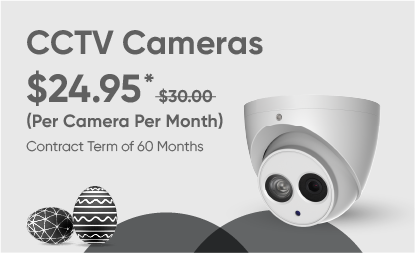
Protect your premises with just $24.95* per CCTV camera/month with a contract term of 60 months
Boost your office tech with a massive 60% off on security, printing and communication gadgets!
Be part of something
extraordinary!
Join us and reinvent your career by collaborating with
world class teams and extraordinary individuals.











Customer Care call queue waiting: 
seconds